Home › Budget Template for Google Sheets (Aussie Pay Cycles)
Budget Template for Google Sheets (Aussie Pay Cycles)
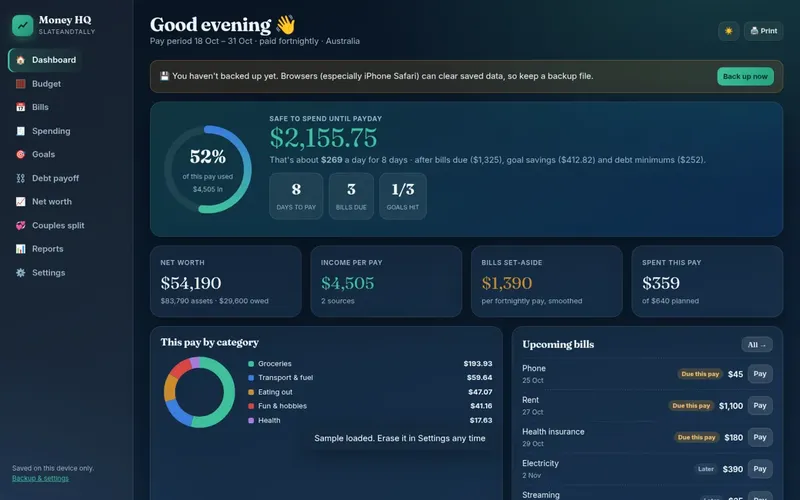
Google Sheets is free, works in any browser, and makes it easy to share a budget with a partner. Here is how to set up a Google Sheets budget template for Australian pay cycles, plus a free file you can open in Sheets today.
Open our free template in Google Sheets
Download the free Fortnightly Budget Mini (.xlsx). In Google Drive, choose New › File upload, pick the file, then double-click it and choose Open with Google Sheets. To make it a native Sheets file, use File › Save as Google Sheets. It converts weekly, monthly, quarterly and yearly bills into a per-pay figure. It's genuinely free.
Or build your own in 15 minutes
1. Headings
In a new sheet (type sheets.new in your browser), add these headings in row 1: Item, Category, Amount, Frequency, Per pay, Actual. Freeze row 1 with View › Freeze › 1 row so the headings stay put when you scroll on a phone.
2. A frequency dropdown
Select column D, choose Insert › Dropdown and add the options Weekly, Fortnightly, Monthly, Quarterly and Yearly. Sheets will colour each one, which makes the list easy to scan.
3. The per-pay formula
Because the dropdown uses words, convert them with SWITCH. In E2 type:
=IF(C2="","",C2*SWITCH(D2,"Weekly",52,"Fortnightly",26,"Monthly",12,"Quarterly",4,"Yearly",1)/26)
Fill it down. The /26 at the end is for fortnightly pay. Change it to /52 for weekly or /12 for monthly.
4. Category totals in one formula
Google Sheets has QUERY, which builds a summary table for you. In a spare area, type =QUERY(A1:F,"select B, sum(E) where B is not null group by B label sum(E) 'Per pay'",1). Every category is listed with its per-pay total, and it updates automatically as you add rows.
5. What's left
Put your take-home pay in a cell, for example H1, and in H2 type =H1-SUM(E2:E). Add conditional formatting (Format › Conditional formatting, "Less than 0", red) so it turns red if the plan doesn't fit.
| Item | Category | Amount | Frequency | Per pay |
|---|---|---|---|---|
| Rent | Housing | A$540 | Weekly | A$1,080.00 |
| Groceries | Food | A$210 | Weekly | A$420.00 |
| Internet | Bills | A$75 | Monthly | A$34.62 |
| Water | Bills | A$260 | Quarterly | A$40.00 |
| Home and contents | Insurance | A$1,100 | Yearly | A$42.31 |
Example figures only, for illustration. Use your own numbers.
Sharing a budget with your partner
This is where Sheets shines. Click Share, add your partner's email and give them Editor access. You both see the same budget, live, on your own phones. Some tips:
- Add a "Who" column if you split bills, then use
SUMIFto total each person's share. - Use comments (Insert › Comment) instead of overwriting each other's numbers.
- File › Version history lets you roll back if something gets deleted.
- Agree on one quick money check-in each payday. See our couples budget planner.
Using it on your phone
Install the Google Sheets app, then star your budget so it's easy to find. Typing on a phone is easiest if your inputs are in the first few columns and the formula columns sit to the right. You can also make a phone-friendly "This pay" tab with just the amounts you check most.
Privacy: worth a thought
A Google Sheet lives in your Google account in the cloud. That's what makes sharing easy. If you'd rather your budget never leaves your device, an offline file or app is the alternative. Our apps keep data only on your device, in your browser.
Google Sheets vs Excel
| Google Sheets | Excel | |
|---|---|---|
| Cost | Free with a Google account | Paid, or limited free web version |
| Sharing | Easy, live editing | Possible via OneDrive |
| Offline | Limited, needs setup | Yes, on a computer |
| Formulas | QUERY, SWITCH, dropdowns | Most of the same, plus more advanced tools |
General comparison. Features change over time.
Prefer Excel? See the Excel budget template guide, which has formulas for sinking funds too.
Handy Google Sheets extras
- Checkboxes: select a column and choose Insert › Checkbox to tick off bills as they're paid each fortnight.
- A sinking funds tab: list each goal with a target and due date, and use
=ROUNDUP((C2-TODAY())/14,0)to count the fortnightly pays left, then divide the target by that number. - Sparkline:
=SPARKLINE(B2:M2)draws a tiny chart of a category across the months in one cell. - Number format: Format › Number › Currency shows dollar amounts, and setting File › Settings › Locale to Australia keeps dates in day/month order.
Keep it simple, though. The best budget spreadsheet is the one you open every payday, not the one with the most features. Start with the five steps above, use it for a month, then add extras only if you miss them.
Google Sheets budget checklist
- Header row frozen and inputs on the left.
- Frequency dropdown on every bill row.
- Per-pay formula filled down the whole column.
- Category totals with QUERY or SUMIF.
- "What's left" cell that turns red below zero.
- Shared with your partner, if you budget together.
- A reminder in your calendar to open it each payday.
Once those boxes are ticked, you have a working Google Sheets budget template that costs nothing, updates live for both of you, and fits Australian pay cycles. Give it a month before adding anything fancy.
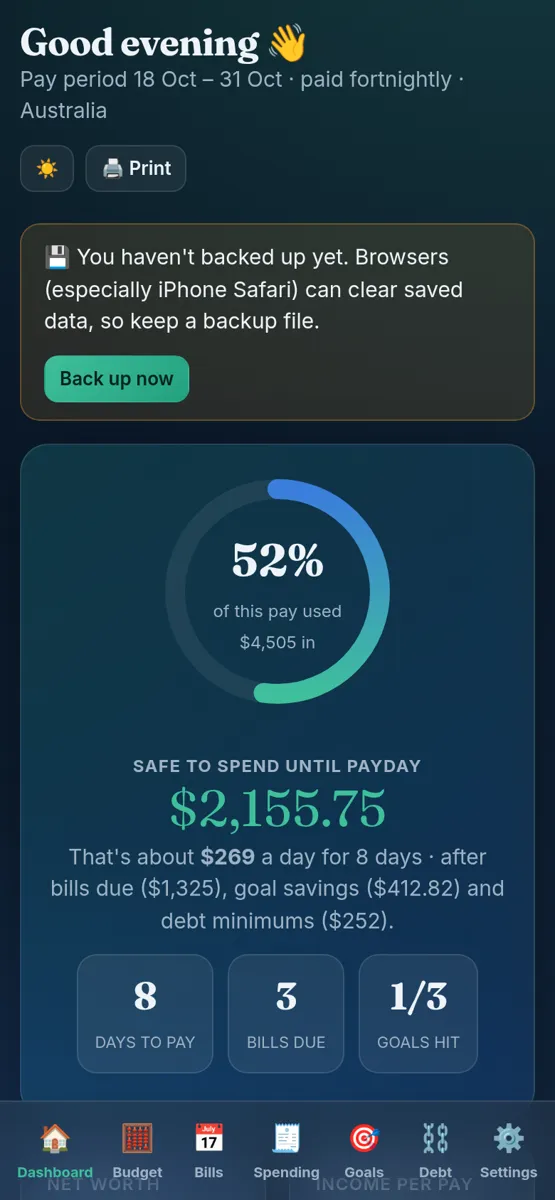
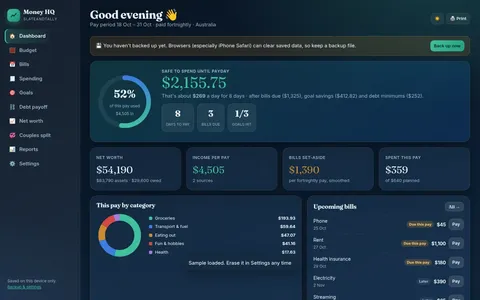
Our paid apps are a different kind of tool to a spreadsheet. Each one is a single HTML file you open in your web browser on a computer, Android phone or iPhone. There's nothing to install, it works offline, your data stays on your own device, and you can export a backup file from Settings. It's a one-off purchase with an instant download, not a subscription.
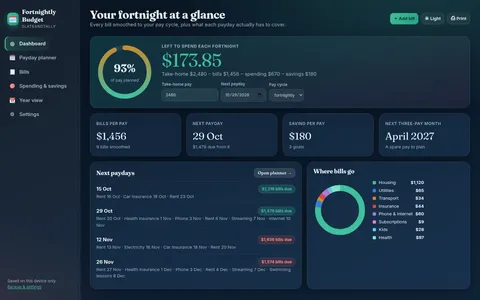

Also see our Excel and Google Sheets templates and the budget spreadsheet guide.
General information only, not financial or tax advice.
FAQ
Is there a free Google Sheets budget template for Australia?
Yes. Our free Fortnightly Budget Mini .xlsx opens in Google Sheets. Upload it to Drive and open it with Sheets.
How do I share a Google Sheets budget with my partner?
Click Share, add their email and give Editor access. You'll both see changes live.
What formula converts bills to fortnightly in Google Sheets?
Amount × times per year ÷ 26. With a dropdown you can use SWITCH to turn Weekly, Monthly and so on into 52, 12 and so on.
Can I use a Google Sheets budget on my phone?
Yes, in the Google Sheets app. Freezing the header row and keeping inputs to the left makes it easier.